

Every “how do I” lands on you.
So you dig through help docs, file a support ticket, and rebuild the spreadsheet by hand. Again. And the one tool that could actually answer is the one you can't legally use: pasting client data into ChatGPT is a HIPAA violation waiting to happen.
Ask a question, or tell it what to do.
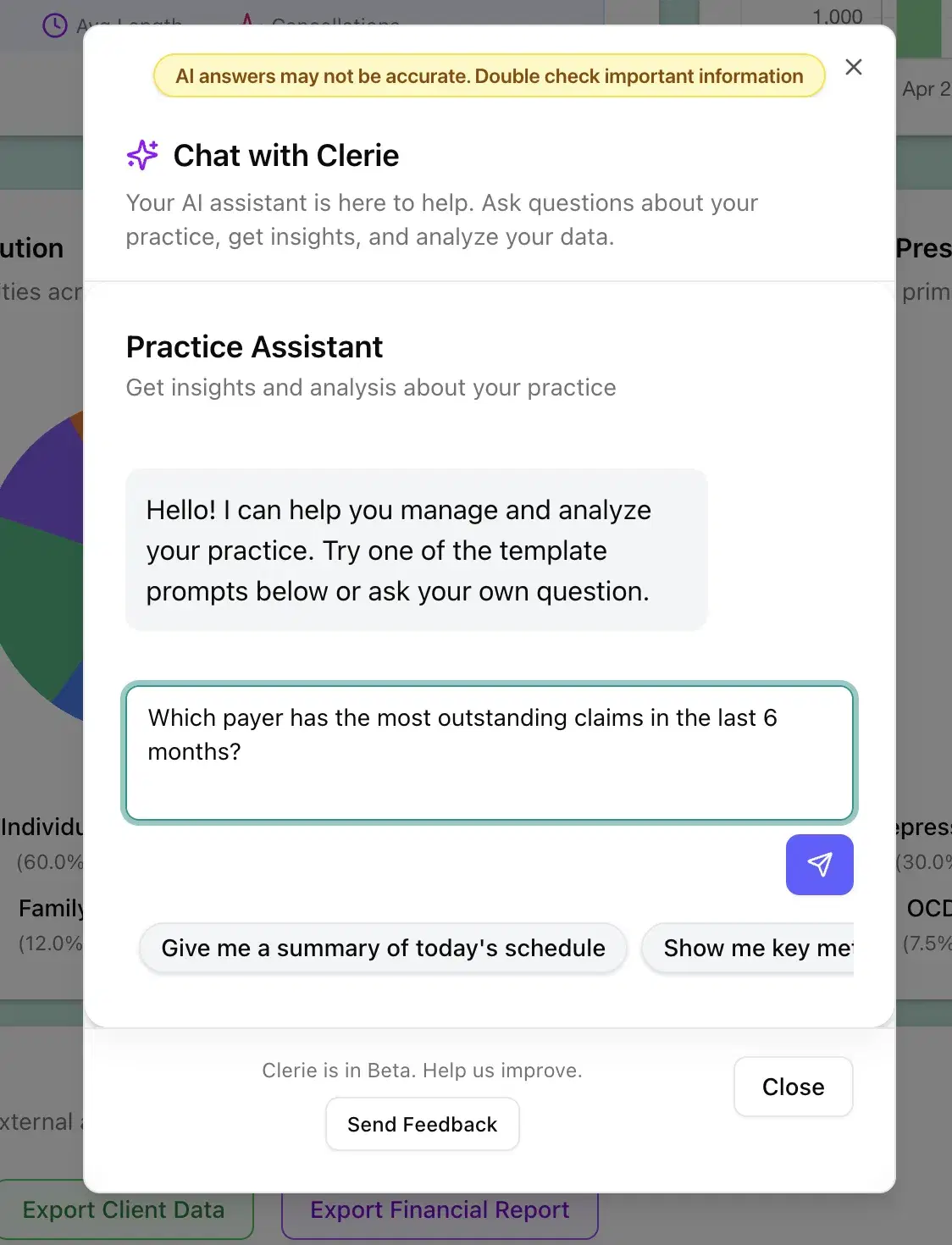
Ask a question, get the steps
Type “How do I add a custom intake question?” and Ask Clerie answers with the steps and a link to the exact screen.
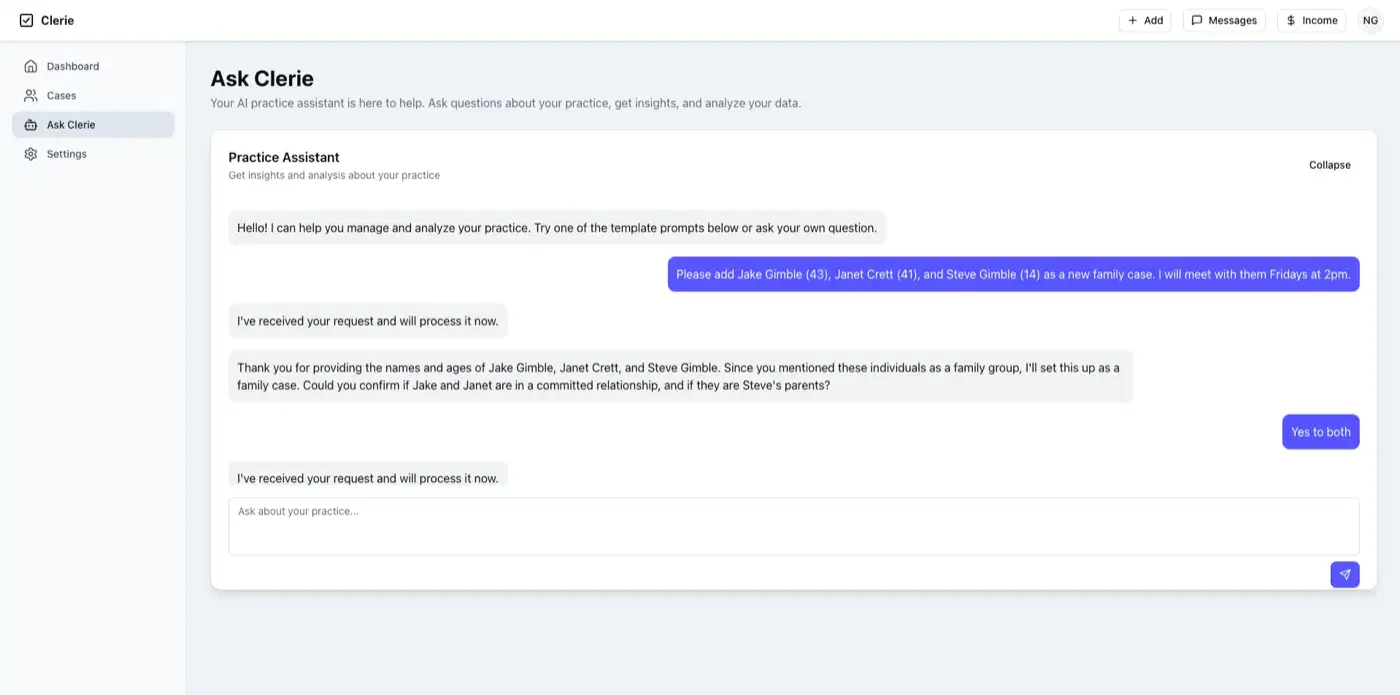
An AI agent that takes action
Type “schedule John Doe every Tuesday at 3pm,” click confirm on what it shows you, and it's on the calendar.
Excel exports without the report builder
Ask for “last month's sessions by provider in Excel” and the file shows up, formatted and ready to send.
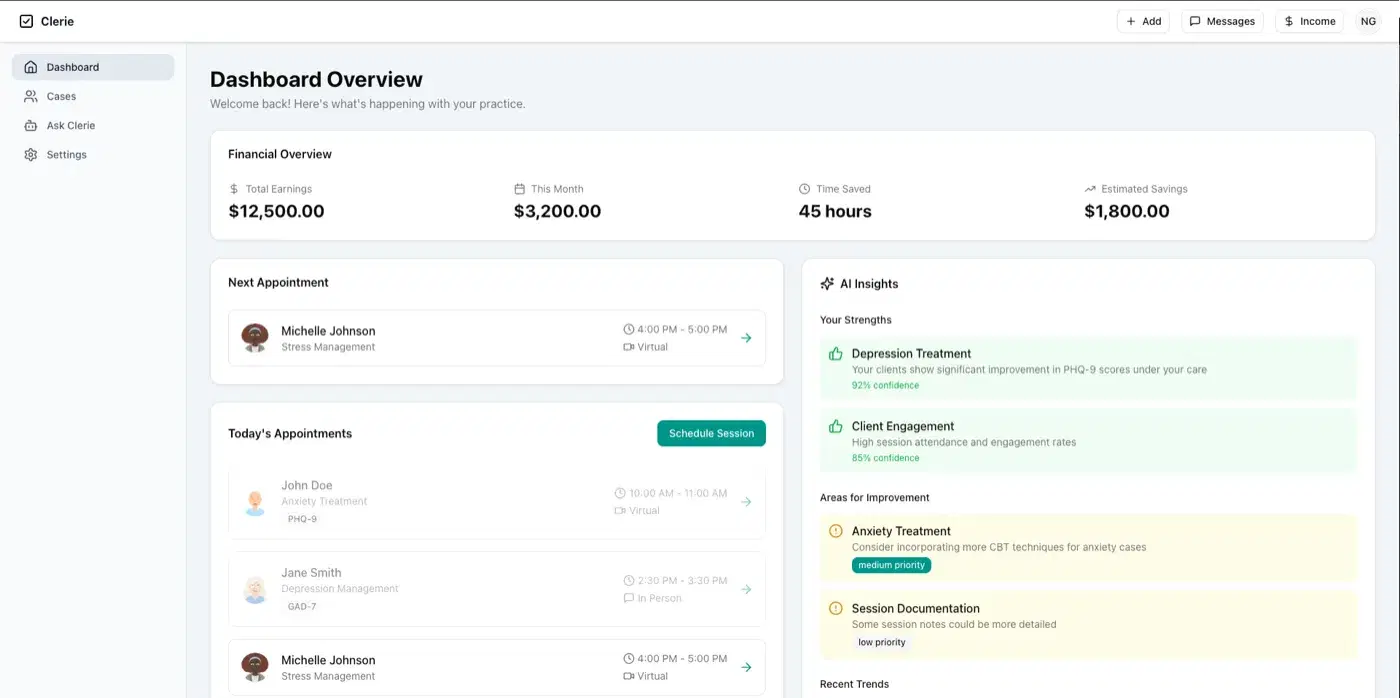
Your permissions and HIPAA still apply
Every answer respects your clinic's role-based permissions and HIPAA compliance, and a thumbs-down trains it to answer better.
Answers, actions, and exports in one chat box.
- In-app answers with the steps and a link to the right screen, so “how do I” stops being a support ticket
- An AI agent that performs tasks like scheduling, with a confirm step before anything changes
- Excel and report exports on request, no report builder to learn
- Role-based permissions: the front desk can’t pull what the front desk isn’t allowed to see
- HIPAA-compliant end to end, and your client data is never used to train AI
- A thumbs-down button that actually trains it
ReplacesChatGPT (the one you can't paste client data into) · Support tickets · The help-doc maze · Hand-built Excel exports
As powerful as ChatGPT, and HIPAA-compliant.
No made-up stat here. The proof is typing a real question into it and watching what comes back.
$0per-seat AI fee. Ask Clerie is included with Clerie, not sold as an add-on.
“Leverages AI to make all our services better, user friendly, and more efficient.”
The questions people actually ask on demos.
Ask it something on your demo
Bring the task you keep putting off and the question you keep Googling: we’ll type both into Ask Clerie, live, and you judge what comes back.